When My 10-Year-Old Discovered ASCII Art (And Why It Beats Roblox)
It started on a Tuesday in March 2026. My son's old Mac sat on the dining table, half-open, Roblox loaded but idle. He'd lost interest mid-session — rare for him. I sat down. We started poking around. Twenty minutes later he was making art with a keyboard, and I realized I'd stumbled into something I hadn't planned to teach.
Here's what happened. He's 10. The Mac is a hand-me-down that's been used for one thing: launching games. That afternoon, with the game closed, I showed him a webpage of ASCII art — pictures made entirely from keyboard characters. His first reaction was a real, unprompted "wait, what?" Not the polite kind. The curiosity kind. He pulled the keyboard toward himself and started typing.
For the next hour, Roblox stayed closed. He typed his name in 30-character-tall letters. He uploaded a
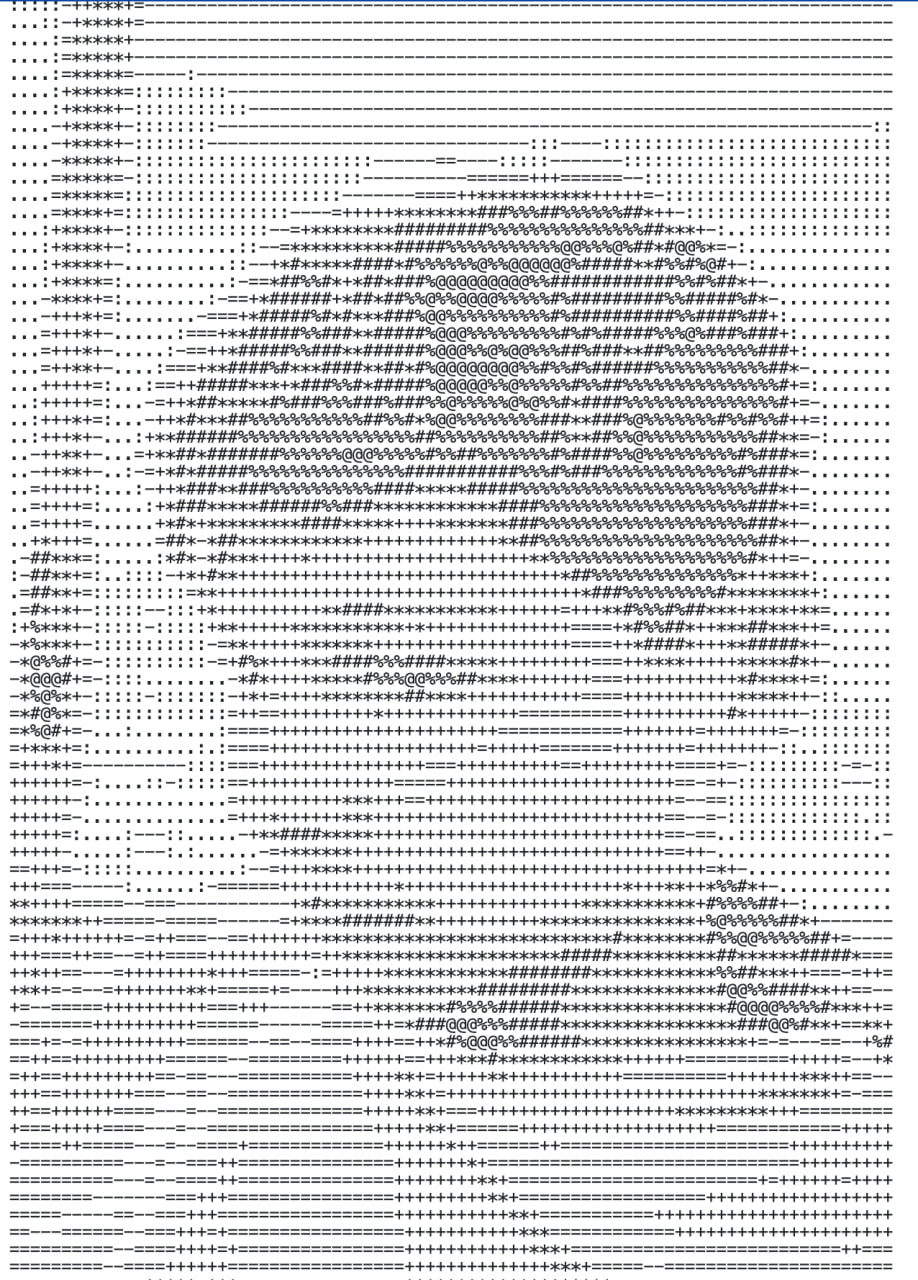
photo of our dog and watched it convert into # and @ symbols. He drew a smiley
face, then a house, then something he called a "weird dinosaur." Each one took planning. Each one was
made of nothing but characters his keyboard already had.
That moment — when a kid realizes a keyboard is a creative tool, not just an input device — is the whole point of this article. Below are five simple ASCII drawings your kid can copy today, plus an honest answer to a question I kept asking myself afterward: why does this feel better than Roblox?
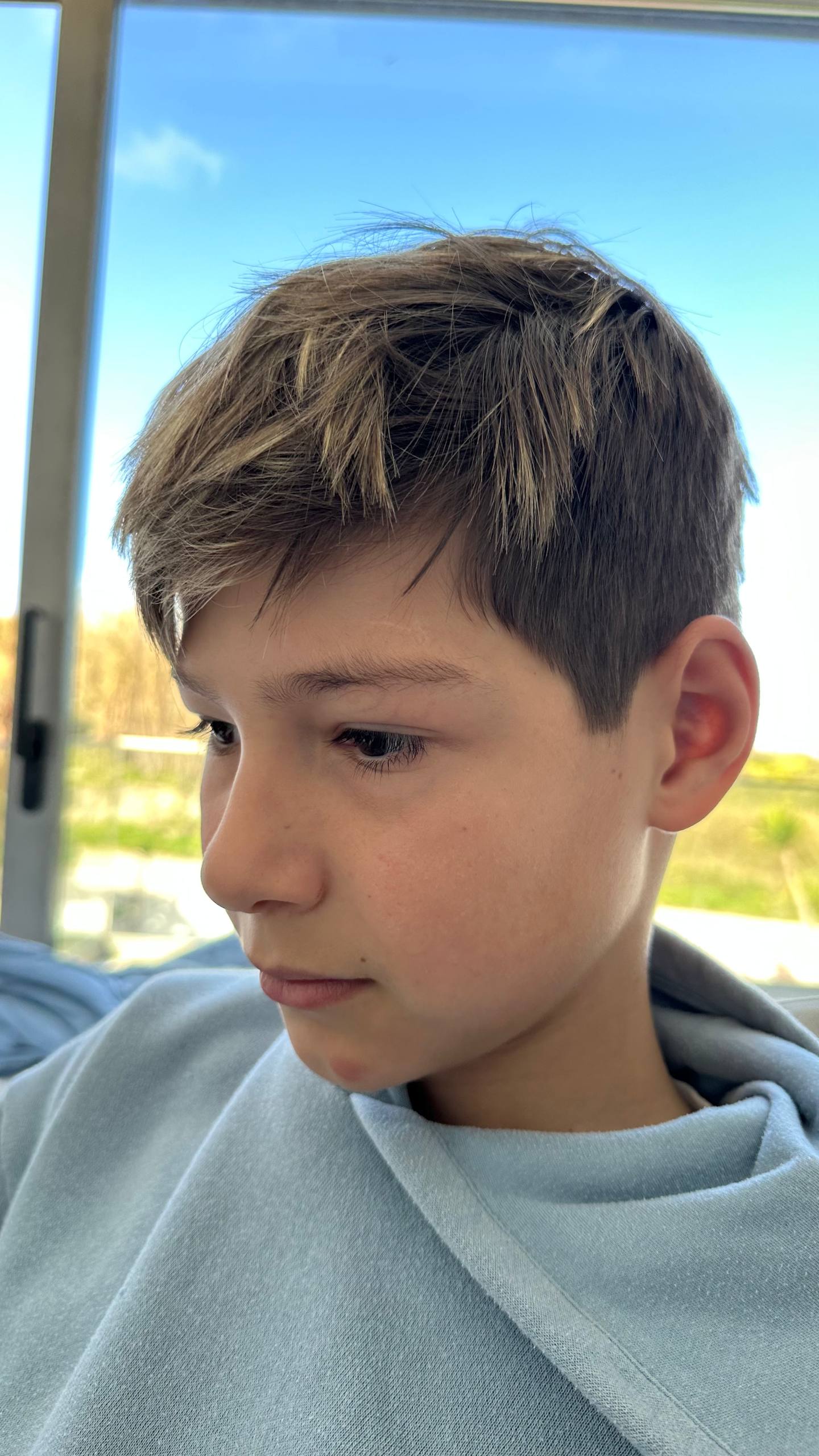
My son is 10. He has an old Mac. It was basically a Minecraft launcher. That's all it did. So I started a quiet project: every now and then, we sit down and explore what else his Mac can do. Settings, features, random stuff. No pressure, no curriculum. Just poking around together.
Yesterday we got into ASCII art.
What's ASCII Art?
Drawing pictures using only keyboard characters. The classic :) is ASCII art. But people
have taken it much further—full portraits, landscapes, logos, all made from characters like
#, @, +, *, =.
It started in the early days of computing when screens couldn't display graphics. People had text and nothing else. So they made text into art.
And the results can be stunning:
5 ASCII Examples Your Kid Can Copy Today
These are deliberately simple. Open any text editor with a monospace font (TextEdit on Mac, Notepad on Windows), and let your kid type these out character by character. The act of copying matters more than the result.
1. Smiley Face
 _____
|     |
| o o |
|  ^  |
|  _  |
|_____|
What it teaches: Pattern recognition — the kid sees that a face is built from repeating, symmetric shapes.
2. Cat
 /\_/\
( o.o )
 > ^ <
What it teaches: Spatial planning — ears and whiskers only line up if the kid counts spaces before the character.
3. Simple House
   /\
  /  \
 /----\
 |[]  |
 | [] |
 |____|
What it teaches: Proportion — the roof must be wider than the door, the window must sit inside the wall. Real geometry.
4. Dog
   __
  /  \__
 (  o   \
  \__/\__\
   ||  ||
What it teaches: Planning ahead — the kid has to imagine the whole dog before typing the first line, because rows can't be edited backwards.
5. Dinosaur
       __
      / _)
 _.-'^|_|^.
(    ___    )
 \__/   \__/
What it teaches: Patience — this one fails three or four times before it works. Which is exactly the lesson worth learning.
How We Got There
We were looking at Mac system settings—fonts, terminal, basic stuff. I showed him that everything on screen is ultimately either text or graphics. And then I pulled up some ASCII art galleries.
His reaction: genuine curiosity. Not the polite kind. The "wait, what?" kind.
Then I showed him two tools:
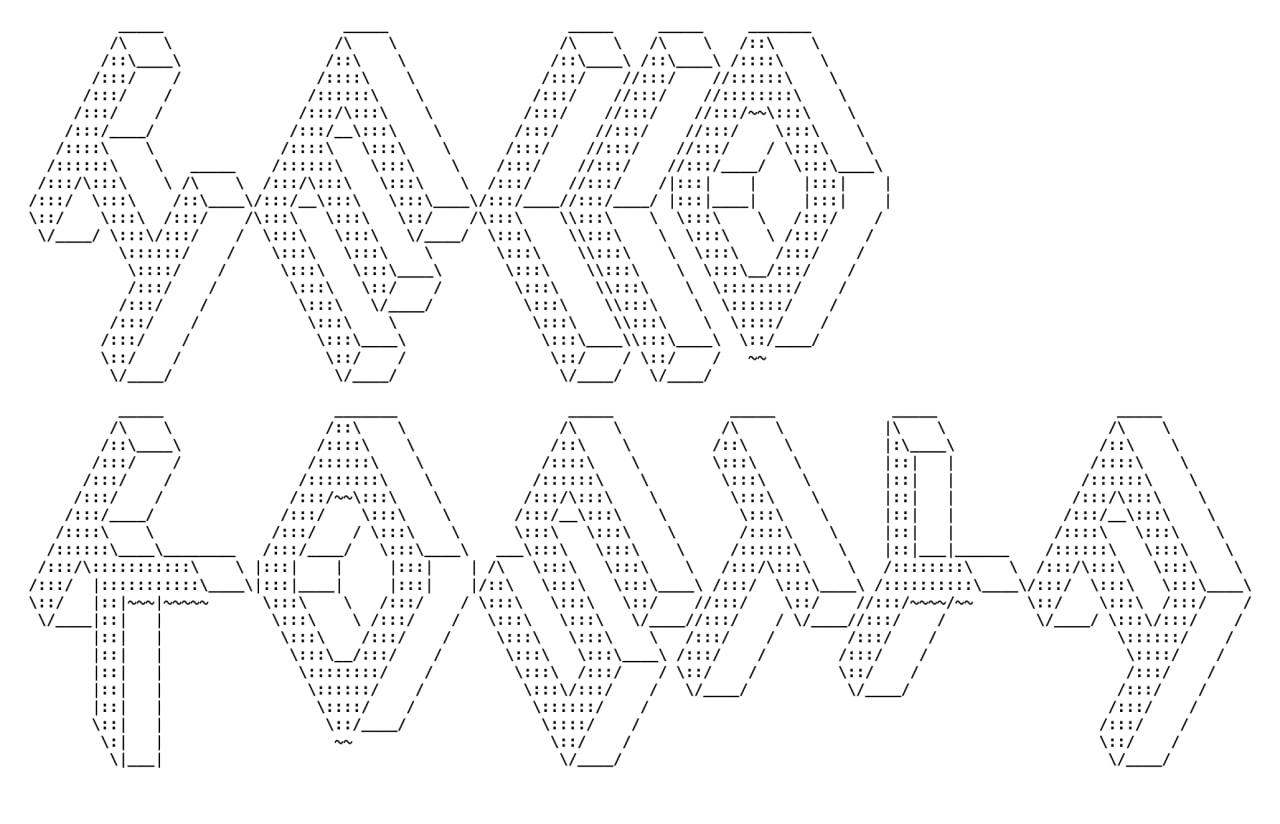
Text to ASCII Letters
patorjk.com/software/taag—you type any word and it generates massive letter art from keyboard symbols. He typed his name. Then our family name. Then every word he could think of.
Photo to ASCII Art
asciiart.eu/image-to-ascii—you upload any photo and it converts it to
characters. He uploaded his own face. Seeing yourself made of #+*@= symbols hits different
when you're 10.
Minecraft was forgotten for an hour.
The Lesson I Couldn't Teach
I tried to explain the fundamental difference between text and graphics. How a text file is just characters with no visual information, while an image is a grid of colored pixels. How a text editor and a graphics editor are different tools for different things.
Honestly? I couldn't articulate it well. The line between text and graphics is so blurred now—screens render everything visually, fonts ARE graphics, emojis ARE images that live in text. I grew up with MS-DOS where the difference was obvious. For him, it's all just "stuff on screen."
But he got something more valuable than my failed explanation. He got that moment of:
"Wait... I can MAKE stuff with just a keyboard?"
That's the shift. From passive user to someone who realizes the machine can do what YOU tell it, not just what apps offer you.
Why ASCII Beats Roblox (For Now)
Let me be honest. I'm not anti-Roblox. My son has friends on it. He's built things on it. There are worse platforms a 10-year-old could be on. So this isn't a takedown — it's a side-by-side.
What Roblox gives a kid: a social world, instant feedback, peers, easy wins, and the feeling of being inside something big. It's also, structurally, a platform built to extract money and attention. The in-game economy is predatory by design. The recommendation algorithm hooks kids the same way TikTok hooks adults. None of this is the kid's fault. It's just how the platform works.
What ASCII art gives a kid: none of that social rush. No leaderboard. No friends online. No algorithm pushing the next thing. What it gives instead is harder to package: spatial planning, patience, the feeling of looking at a blank screen and putting something there that wasn't there before. The dopamine is slower and quieter, which is exactly why it sticks.
The "for now" matters. A kid who only does ASCII art is a kid with no friends. The point isn't to replace social play — it's to balance it. Twenty minutes of low-tech creative work before Roblox hits differently than two hours of Roblox followed by nothing. Cal Newport and Jonathan Haidt have been making this case for years: kids need slow, unscripted creative time. ASCII art is a strangely effective way to deliver it without it feeling like homework.
Long after my son forgets the smiley face he drew, he'll remember the shift — that a keyboard isn't just for chat. It's a medium. You can build things with it.
Try It With Your Kids
- Go to patorjk.com/software/taag—let them type their name in ASCII
- Try asciiart.eu/image-to-ascii—upload a family photo
- Don't explain too much. Let them experiment
- See what happens when Minecraft isn't the only interesting thing on the computer
It took us 20 minutes to go from "boring settings" to genuine excitement. Your mileage may vary. But the ingredients are simple: sit together, explore together, and let them discover that a computer can be their tool, not their babysitter.
Related Articles
Turn Screen Time Into Create Time
Family Checklist gives kids visual routines and goals. Less consuming, more doing.
Try It Free